Understanding Ping
In the gaming world, ping refers to the latency between your device and the game server. Measured in milliseconds (ms), it determines how quickly your actions are registered in the game. A lower ping signifies a more responsive gaming experience, while a higher ping can lead to frustrating lag. For gamers in Malaysia, maintaining a ping under 30 ms is ideal for smooth gameplay, especially in fast-paced titles like Call of Duty or Dota 2.
Latency is significant in gaming as it directly affects your ability to react and perform in competitive environments. Whether you're battling it out in an online multiplayer game or collaborating with friends in a cooperative mode, high latency can be the difference between victory and defeat. Understanding and improving your ping can enhance not only your performance but also your enjoyment of the game.

Tips for Reducing Lag
Reducing lag is crucial for a seamless gaming experience. Here are some actionable tips that Malaysian gamers can implement immediately:
- Use a Wired Connection: Connecting your gaming device directly to the router with an Ethernet cable can significantly reduce ping compared to Wi-Fi. This minimizes interference and provides a steady connection.
- Close Background Applications: Before gaming, ensure that no unnecessary applications are running in the background. Programs such as video streaming services or large downloads can consume significant bandwidth, leading to increased latency.
- Optimize Your Router Settings: Access your router settings and prioritize gaming traffic by enabling Quality of Service (QoS) features. This will help allocate bandwidth to your gaming devices, ensuring minimal lag.
- Update Your Network Drivers: Regularly updating your network drivers can improve connectivity and performance. Ensure your hardware is running the latest software to maximize efficiency.
- Consider a VPN: While VPNs are often thought to increase ping, they can actually lower it in certain scenarios, particularly if your ISP has throttling issues. Choose a reliable gaming VPN to see if it helps your connection.
By following these tips, you can take immediate steps towards improving your gaming experience. A stable connection is essential for enjoying your favorite titles without interruptions.
Best Practices for Network Optimization
Optimizing your home network is vital for achieving low ping and a smoother gaming experience. Here are some best practices:
- Router Placement: Position your router in a central location in your home, away from obstacles like walls and appliances. This helps improve Wi-Fi coverage if you're using a wireless connection.
- Limit Connected Devices: The more devices connected to your network, the higher the competition for bandwidth. Disconnect devices that are not in use.
- Upgrade Your Router: If your router is outdated, consider upgrading to a newer model that supports the latest Wi-Fi standards (such as Wi-Fi 6) for better performance.
- Regular Reboots: Periodically rebooting your router can clear cached data and improve connectivity. Make it a habit to restart your router every few weeks.
These practices can drastically improve your home network's performance, leading to reduced ping and enhanced gaming sessions.
Choosing the Right ISP for Gaming
In Malaysia, your Internet Service Provider (ISP) plays a significant role in determining your gaming experience. Different ISPs offer varying degrees of service quality and performance. Here’s an analysis of some of the best ISPs for gamers in Malaysia:
- Maxis: Known for its reliable connection and extensive coverage, Maxis offers fiber internet plans that provide low latency, making it a solid choice for gamers.
- Celcom: With competitive pricing and robust mobile data plans, Celcom is an excellent option for gamers who prefer mobile gaming. Their network is optimized for speed and reliability.
- Digi: Digi provides high-speed fiber internet with a focus on low latency, making it suitable for online gaming. Their packages are affordable and designed to cater to gamers.

When selecting an ISP, consider your location, the type of games you play, and the specific requirements for optimal performance. Researching local reviews and experiences can also provide valuable insights into the best choice for your gaming needs.
Hardware and Software Solutions
In addition to optimizing your network and ISP choice, upgrading your hardware and utilizing software solutions can also improve your ping:
- Gaming Router: Investing in a gaming-specific router can prioritize gaming traffic and improve overall performance. These routers often come with features tailored to gamers.
- Network Adapter: If you're using a desktop, consider upgrading your network adapter to one that supports the latest standards for better connectivity.
- Software Tools: Tools like PingPlotter can help you visualize your ping and latency over time, making it easier to identify problems affecting your connection.
- Quality Headset: While not directly related to ping, a quality gaming headset can enhance your overall gaming experience by providing better audio cues, helping you react faster in-game.

By considering these hardware and software solutions, you can further enhance your gaming performance and ensure that your ping remains low, resulting in a more enjoyable experience.
FAQ
What is ping in gaming?
Ping in gaming refers to the latency or delay between your device and the gaming server, measured in milliseconds. It indicates how quickly your actions are processed in the game. A lower ping means better responsiveness, while a higher ping results in lag.
How can I test my ping?
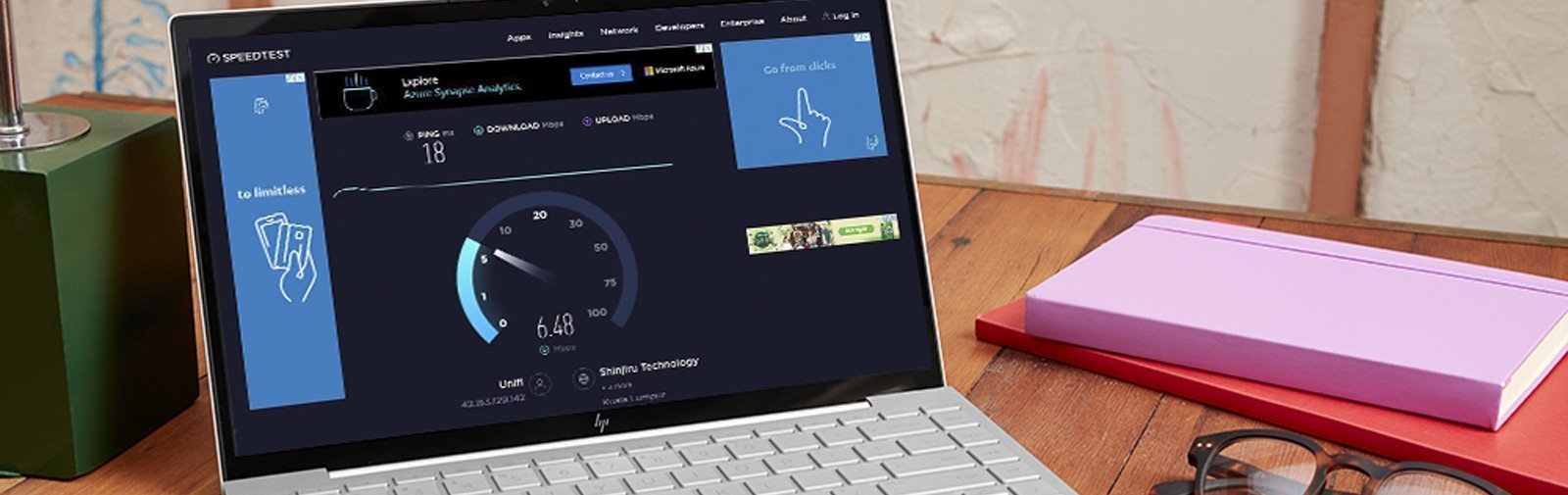
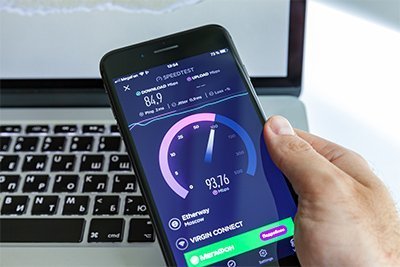
You can test your ping using various online tools like Speedtest.net or built-in commands in your operating system. For example, in Windows, you can open Command Prompt and type ping google.com to check your connection latency.
Improving your ping is a journey that requires a combination of network optimization, careful ISP selection, and possibly hardware upgrades. By following the tips and strategies outlined in this article, Malaysian gamers can enjoy a smoother, more responsive gaming experience.