How to Safely Download APKs in 2026: Essential Tips and Best Practices
As the gaming community in Malaysia continues to grow, many gamers are exploring alternative ways to access games and applications that might not be available in their region. One popular method is downloading APK files. However, with the convenience of APKs comes the need to prioritize safety. In this guide, we’ll walk you through everything you need to know about safely downloading APKs in 2026.
Understanding APK Files
APK stands for Android Package Kit, which is the file format used by Android to distribute and install applications. Unlike traditional app downloads from the Google Play Store, which offer a streamlined experience, APKs allow users to install apps that may not be available in their region or are still in beta testing. This flexibility has made APKs a popular choice among Malaysian gamers looking to try out the latest games or applications.
However, this alternative method of installation comes with its own set of challenges. While APK files can provide access to a wider range of applications, they also require users to take extra precautions to ensure their devices remain secure.
Risks of Downloading APKs
Downloading APKs is not without its risks. One of the primary concerns is the potential for malware. Unlike apps from the Google Play Store, which undergo strict vetting processes, APKs from unofficial sources may harbor harmful software that can compromise your device and personal information.

Here are some specific risks associated with downloading APKs:
- Malware: Unverified APKs can contain malicious software that can damage your device or steal sensitive information.
- Data Breaches: Downloading an APK from an unreliable source can expose your personal data to hackers.
- Privacy Issues: Some APKs may request excessive permissions that could lead to privacy invasions.
To minimize these risks, it's crucial to adopt best practices when it comes to downloading APK files. This brings us to our next section.
How to Safely Download APKs
To ensure a safe downloading experience, follow these step-by-step guidelines:
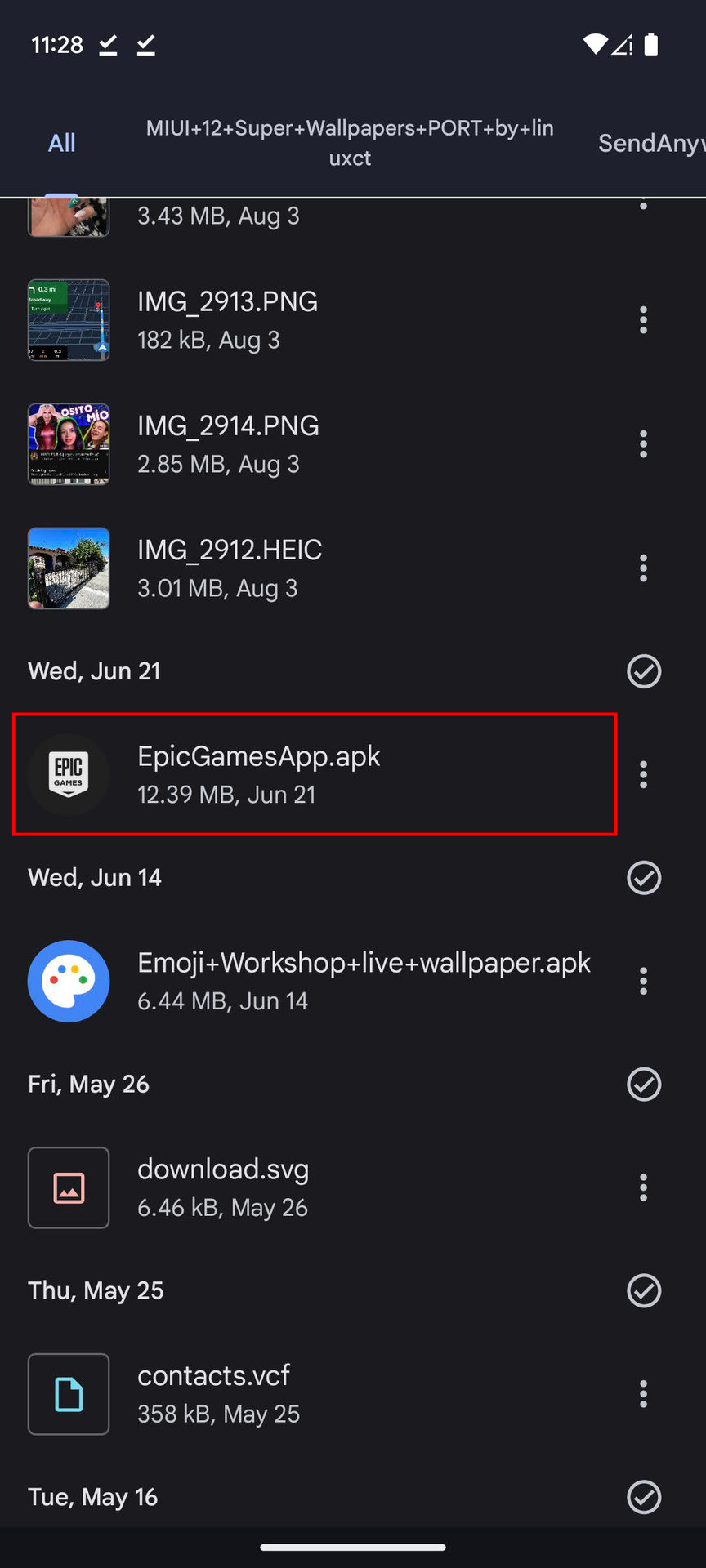
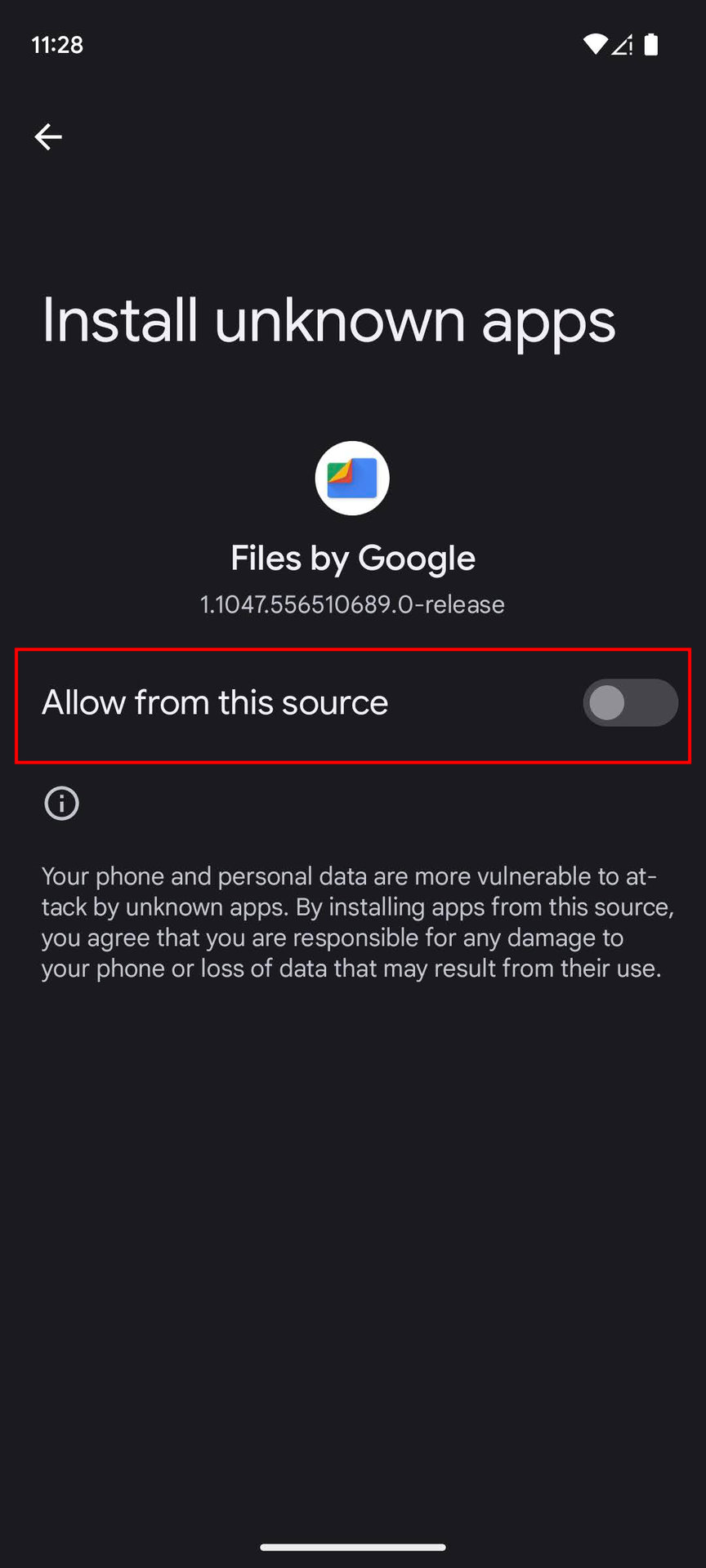
- Enable Unknown Sources: Before downloading an APK, you must enable installations from unknown sources in your device settings. Go to Settings > Security and toggle on Unknown Sources.
- Choose Reputable Sources: Only download APKs from trusted websites. Avoid third-party sites that may not have good reviews.
- Check Permissions: Before installing the APK, check the permissions it requests. If an app requires access to features unrelated to its functionality (like your contacts for a simple game), reconsider installation.
- Use Antivirus Software: Install reliable antivirus software on your device. This can help detect any malicious files before they cause harm.
- Verify the APK: Check the APK file’s checksum if possible. This allows you to confirm that the file hasn’t been altered. Use tools like SHA-256 to verify the integrity of the APK.
By following these steps, you can significantly reduce the chances of encountering issues while downloading APK files.
Recommended Sources for APKs
Now that you know how to safely download APKs, it’s essential to know where to find them. Here’s a list of reputable websites for downloading APKs:
- Google Play: While primarily for direct app installations, you can find APKs for apps not available in your region through various trusted sources linked to Google Play.
- APKMirror: This site is well-regarded for its extensive library of APKs, and it verifies the legitimacy of the files uploaded.
- Aptoide: A community-driven platform that allows users to create their own stores, Aptoide has a wide variety of APKs available for download.
By relying on these sources, you significantly lower the risk of downloading harmful files, ensuring a safer gaming experience.
FAQs
What are the risks of downloading APKs?
The main risks include exposure to malware, potential data breaches, and privacy invasions. Always verify the source and check the permissions requested by the APK before installation.
How can I verify an APK file?
You can verify an APK file by checking its checksum. Use a tool to compare the checksum of the downloaded APK with the one published on the source website. This confirms that the file has not been tampered with.
In summary, while APKs can provide access to an array of applications and games that may not be available in Malaysia, it’s crucial to prioritize safety. By adhering to the guidelines outlined in this article, you can enjoy a seamless and secure downloading experience in 2026. Happy gaming!