How to Install XAPK Files on Your Samsung Tablet in 2026
As the gaming community in Malaysia continues to grow, more players are turning to alternative methods of obtaining their favorite games. One such method is through XAPK files, which are especially useful for games that require additional data files. If you're a Samsung tablet user looking to enhance your gaming experience, this guide will walk you through the process of installing XAPK files in a straightforward manner.

Requirements
Before you start the installation process, ensure that you have the following:
- Samsung Tablet: Make sure your tablet is running on Android. Most Samsung tablets support XAPK installation.
- File Manager: You will need a file manager app to locate and install the XAPK file. Popular options include ES File Explorer or Solid Explorer.
- XAPK Installer: To install XAPK files, you will need a dedicated installer app such as APKPure or XAPK Installer.
- Unknown Sources Enabled: Go to your tablet settings and enable installations from unknown sources. This is necessary for installing third-party applications.
Installation Process
Follow these steps to successfully install XAPK files on your Samsung tablet:
- Download the XAPK File: First, download the XAPK file you wish to install from a reliable source. Ensure that the file is compatible with your device.
- Install the XAPK Installer: If you haven’t already, download and install an XAPK installer from the Google Play Store or its official website.
- Open the XAPK Installer: Launch the XAPK installer app you downloaded.
- Locate the XAPK File: Use the file manager within the installer to navigate to the location where you saved the XAPK file.
- Install the XAPK: Tap on the XAPK file, and the installer will automatically extract and install the APK and any additional files required for the app.
- Launch the Game: Once the installation is complete, you can find the game in your app drawer. Open it and start playing!
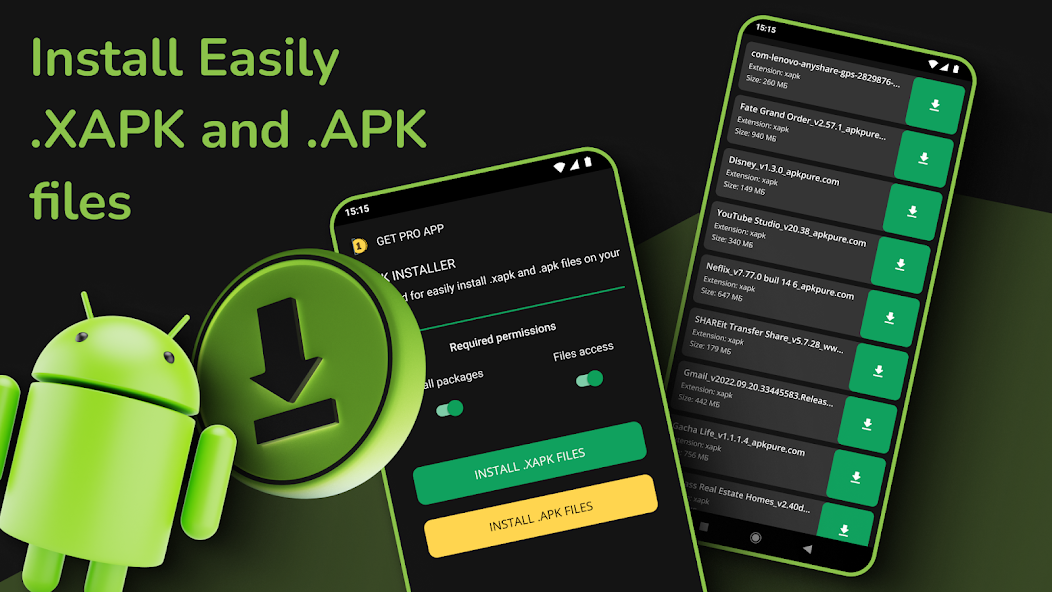
By following these steps, you can enjoy games that may not be available on the Google Play Store, thus broadening your gaming library.
Troubleshooting
Sometimes, the installation process may not go as planned. Here are common errors you might encounter and how to resolve them:
- Installation Failed: Ensure that you have enabled installations from unknown sources in your settings. If the problem persists, try re-downloading the XAPK file as it might be corrupted.
- Insufficient Storage: Check your device's storage. If it's low, delete unnecessary files or apps to free up space.
- Compatibility Issues: Ensure that the XAPK file is compatible with your tablet model and Android version. Some games may not support certain devices.
- App Crashes: If the game crashes upon launching, consider checking for updates or reinstalling the game through the XAPK installer.

Frequently Asked Questions
What is an XAPK file?
An XAPK file is a package format used for Android applications that can contain the APK file and additional data files required for the app. This format is particularly useful for games that have large graphics or additional resources that need to be installed alongside the main app.
How do I open XAPK files?
XAPK files cannot be opened directly like regular APK files. You will need an XAPK installer app, which will extract the APK and its associated data files for installation. Simply follow the steps outlined in the installation process above to open and install XAPK files on your Samsung tablet.
Is installing XAPK safe?
While installing XAPK files can be safe, it is essential to download them from reputable sources. Unauthorized or unofficial XAPK files may contain malware or harmful software. Always ensure that your source is trustworthy and, if possible, read reviews or feedback from other users before downloading.
Can I install XAPK on any Android device?
Generally, XAPK files can be installed on any Android device that supports APK installations, provided that the device meets the game's requirements. However, some games may have specific compatibility requirements, so always check the details before attempting to install.
What tools do I need to install XAPK?
You will need a file manager app and an XAPK installer app to successfully install XAPK files. Popular options include ES File Explorer and APKPure. Additionally, make sure your Samsung tablet has the "Unknown Sources" option enabled in the settings to allow installations from sources other than the Google Play Store.
By following this guide, you should be well-equipped to install XAPK files on your Samsung tablet and expand your gaming library in 2026. Enjoy your gaming experience, and may your adventures be filled with excitement and fun!