Introduction
In today's fast-paced gaming environment, having an optimized network is crucial for an immersive online gaming experience. With the growing popularity of eSports and multiplayer gaming in Malaysia, a stable and fast internet connection can make the difference between victory and defeat. Network optimization not only enhances performance but also minimizes latency, providing gamers with the responsiveness they need to react quickly in competitive scenarios. This article will delve into the best practices for optimizing your network for online gaming in 2026.
Best Practices for Network Optimization
To achieve a seamless online gaming experience, consider implementing the following network optimization strategies. These methods will help reduce latency, manage bandwidth effectively, and enhance overall gaming performance.
Understanding Latency and Ping
Before diving into optimizations, it's essential to understand the concepts of latency and ping. Latency refers to the time it takes for data to travel from your device to the game server and back. High latency can lead to lag, making it difficult to play effectively. Ping, measured in milliseconds, indicates the latency: the lower the ping, the better your connection. For competitive gaming, a ping of under 30ms is ideal, while anything above 100ms can significantly hinder performance.
Quality of Service (QoS) Settings
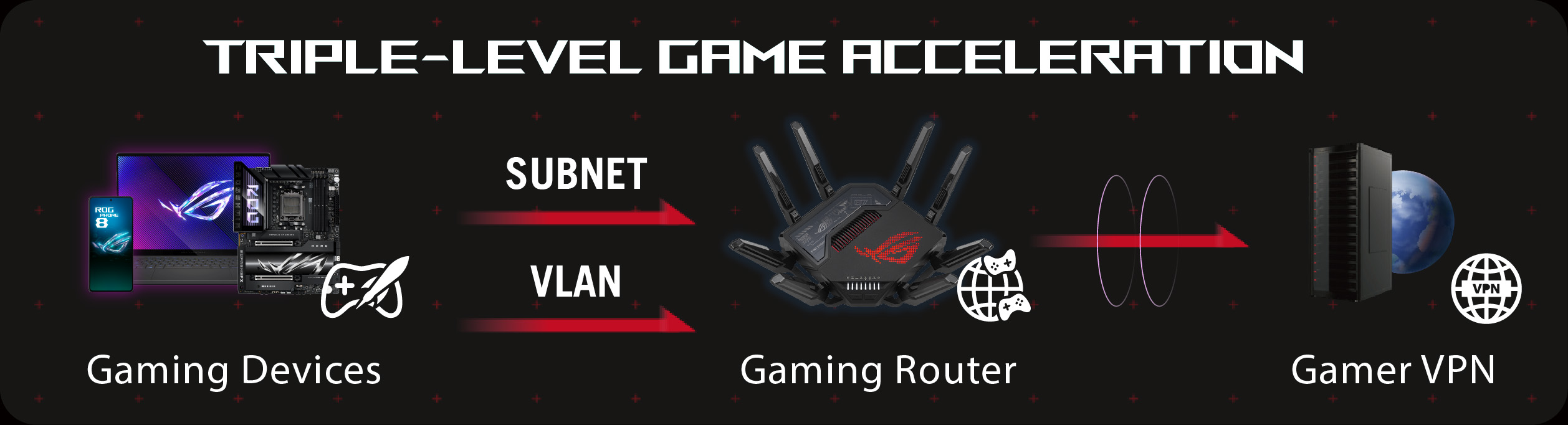
Configuring QoS settings on your router can significantly enhance gaming performance. QoS allows you to prioritize gaming traffic over other types of internet usage, ensuring that your gaming packets are transmitted first. To set up QoS, access your router's admin panel and look for the QoS settings. Allocate higher priority to your gaming device's MAC address or IP address. This adjustment can lead to a noticeable improvement in your gameplay experience.
Choosing the Right Equipment
Your network hardware plays a crucial role in your gaming performance. Selecting the right router and modem can ensure a stable connection with minimal latency. When shopping for gaming equipment, look for features such as dual-band capabilities, MU-MIMO technology, and advanced security protocols to enhance your gaming experience.
Top Gaming Routers to Consider
Here are some top-rated gaming routers that can help you optimize your network:
- Netgear Nighthawk XR500: Known for its advanced gaming features, this router offers excellent QoS settings and a user-friendly interface, making it perfect for gamers.
- TP-Link Archer AX6000: With its high-speed capabilities and robust security features, this router is ideal for serious gamers looking for top performance.
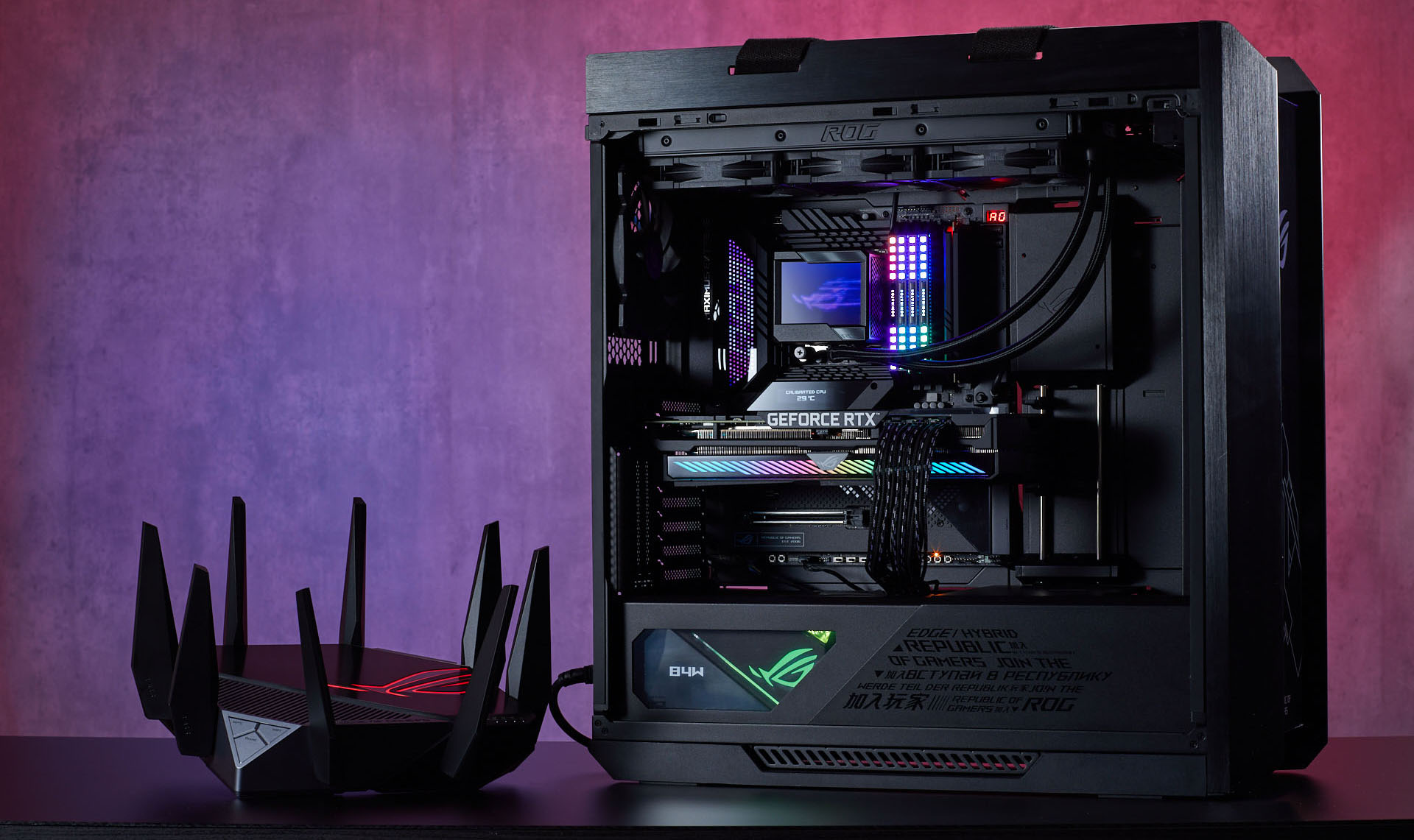
- ASUS ROG Rapture GT-AX11000: This tri-band gaming router is designed specifically for gamers, offering low latency and customizable settings to ensure the best gaming experience.
ISP Recommendations
Choosing the right Internet Service Provider (ISP) is just as crucial as having the right equipment. In Malaysia, several ISPs cater to gamers, providing high-speed connections and low latency options. Look for ISPs that offer fiber-optic connections, as they typically provide faster speeds and more reliable performance compared to traditional DSL or cable connections.
Internet Speed Requirements for Gaming
For a smooth gaming experience, the recommended internet speed varies depending on the type of games you play. Generally, a minimum of 5 Mbps is acceptable for casual gaming, while competitive gamers should aim for speeds of at least 25 Mbps. However, if you're streaming gameplay or using voice chat, consider increasing your speed to 50 Mbps or more to ensure no interruptions.
Troubleshooting Common Issues
Even with the best setup, you may encounter networking problems that can affect your gaming experience. Here’s how to troubleshoot common issues:
- High Ping: If you experience high ping during gameplay, check for background applications that may be using bandwidth, and close them. A wired connection is often more stable than Wi-Fi.
- Frequent Disconnections: Ensure your router's firmware is up to date and verify that your gaming device is within range of the router if you're using Wi-Fi.
- Slow Internet Speed: Run a speed test to diagnose your internet speed. If the speed is significantly lower than what you've subscribed to, contact your ISP for assistance.
Checking Network Speed
To effectively check your internet speed, use reliable speed test services such as Ookla's Speedtest or Fast.com. These tools will provide you with real-time data on your download and upload speeds, as well as your ping. Regularly checking your speed can help you identify any issues before they affect your gaming experience.
FAQ
- What router settings are best for gaming? Configuring QoS settings to prioritize gaming traffic, enabling QoS features, and using a wired connection whenever possible are best practices for optimizing router settings for gaming.
- How can I reduce ping while gaming? To reduce ping, use a wired connection instead of Wi-Fi, close background applications that consume bandwidth, and choose servers closer to your geographical location.
By implementing these strategies and recommendations, Malaysian gamers can significantly enhance their online gaming experience in 2026. A well-optimized network can lead to reduced latency, improved responsiveness, and an overall more enjoyable gaming experience.