Introduction
In 2026, the Malaysian gaming community continues to grow, with an ever-expanding library of immersive games and stunning graphics. However, many gamers face a frustrating challenge: game crashes due to memory issues. This problem is particularly relevant as titles become more demanding on hardware, and players invest significant time and money into their gaming experiences. Understanding the root causes of these crashes and how to address them is vital for gamers in Malaysia and across Southeast Asia, where gaming culture thrives.

Understanding Memory Issues
Memory issues in gaming primarily relate to the computer's Random Access Memory (RAM) and its ability to handle multiple tasks simultaneously. When RAM is insufficient, or when memory leaks occur, gamers may experience performance bottlenecks leading to abrupt crashes. Memory management plays a crucial role in ensuring game stability, as it dictates how efficiently the system can load and execute game data.
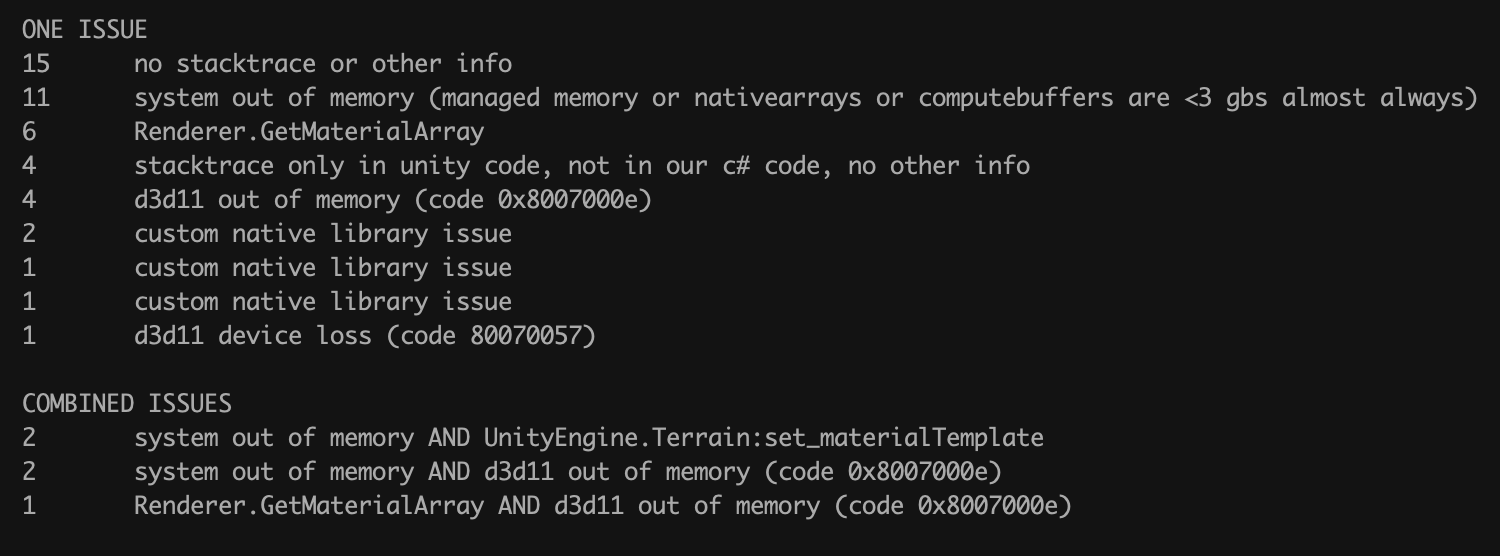
What Causes Memory Issues in Games?
Several factors contribute to memory issues in gaming. Here’s a closer look:
- Insufficient RAM: As games become more complex, they demand more memory. If your system's RAM is below the recommended specifications, you're likely to encounter crashes.
- Memory Leaks: A memory leak occurs when a game fails to release memory that is no longer needed. Over time, this can consume available memory, leading to performance issues and crashes.
- Performance Bottlenecks: Older hardware or outdated drivers can cause bottlenecks, meaning the CPU or GPU is unable to keep up with the demands of the game.
- Software Bugs: Unoptimized game code or bugs can also lead to memory issues. Developers like John Carmack emphasize the importance of efficient coding and memory management.
Troubleshooting Steps
If you experience game crashes, follow these actionable steps to diagnose and fix memory-related issues:
- Check System Requirements: Ensure your hardware meets or exceeds the game’s requirements.
- Update Drivers: Keeping your graphics card drivers updated (NVIDIA or Intel, for instance) can alleviate many memory-related issues.
- Close Background Applications: Freeing up RAM by closing unnecessary applications can improve game performance.
- Monitor RAM Usage: Use tools like Task Manager or third-party software to monitor RAM usage and identify potential memory leaks.
How to Check if Your RAM is Faulty
Determining if your RAM is faulty can be done through the following methods:
- Windows Memory Diagnostic: This built-in tool can be accessed by typing 'Windows Memory Diagnostic' in the Start menu. Follow the prompts to check for memory issues.
- MemTest86: A more thorough option is to use MemTest86, a free standalone program that tests your RAM for errors. It’s highly recommended for comprehensive diagnostics.
- Physical Inspection: If you're comfortable, open your computer case and check the RAM modules for dust or loose connections.
Preventative Measures
Preventing memory issues is crucial for maintaining a stable gaming experience. Here are some effective strategies:
- Game Optimization: Regularly update your games to benefit from optimization patches that can enhance performance.
- Upgrade RAM: If you find yourself frequently hitting memory limits, consider upgrading your RAM. This can significantly enhance game stability and performance.
- Regular Maintenance: Keep your system clean and well-maintained, including regular updates and cleaning out unnecessary files.
Is Upgrading RAM Worth It for Gaming?
Upgrading RAM can be a worthwhile investment, especially for gamers who regularly play demanding titles. Here are some points to consider:
- Enhanced Performance: More RAM allows for smoother multitasking and faster load times, which is essential for high-performance gaming.
- Future-Proofing: As games continue to evolve and require more resources, having additional RAM can help ensure your system remains capable of handling new titles.
- Cost vs. Benefit: Weighing the costs of upgrading against the benefits in performance can help you decide if it’s the right move for your gaming setup.
Frequently Asked Questions
What causes memory issues in games?
Memory issues in games can stem from insufficient RAM, memory leaks, performance bottlenecks, and software bugs. Each of these factors can impact game stability, leading to crashes and performance degradation.
How can I check if my RAM is faulty?
You can check if your RAM is faulty by using built-in tools like Windows Memory Diagnostic, third-party applications like MemTest86, or performing a physical inspection of the RAM modules in your system.
In summary, understanding and managing memory issues is essential for gamers in Malaysia in 2026. By being proactive about RAM management, utilizing troubleshooting techniques, and considering hardware upgrades, you can ensure a smoother gaming experience and enjoy the vibrant gaming community that continues to flourish in the region.