Introduction
For many in the Malaysian gaming community, budget Android phones are often the gateway to mobile gaming. However, one common frustration is game lag, which can severely hinder your gaming experience. Whether you’re battling in Mobile Legends, racing in Asphalt, or exploring in Genshin Impact, lag can ruin the excitement and competitiveness of gameplay. In 2026, it's crucial to address this issue to enjoy smooth, uninterrupted gaming, even on a budget.
This guide will provide you with five effective ways to reduce game lag on your budget Android phones, ensuring that you can enjoy your favorite games without interruption.
Understanding Game Lag
Before tackling lag, it's essential to understand what it is. Game lag refers to the delay between your actions and the game's response. It can manifest as stuttering graphics, delayed controls, or even disconnections. Various factors contribute to game lag, especially on budget Android devices. Common causes include:
- Hardware Limitations: Budget Android phones often come with limited processing power and RAM, making it challenging to run resource-intensive games smoothly.
- Network Issues: A slow or unstable internet connection can lead to significant lag, particularly in online multiplayer games.
- Background Apps: Apps running in the background consume valuable resources, affecting game performance.
As the screenshot below shows, frame drops and latency can be frustrating, especially during intense gaming moments.
Optimizing Settings
One of the most straightforward ways to reduce game lag is by optimizing your game settings. Here are some adjustments you can make:
- Lower Graphics Quality: Most games allow you to adjust the graphics settings. Lowering the quality can significantly enhance performance. Opt for 'Medium' or 'Low' settings to reduce the strain on your device.
- Frame Rate Settings: If your game has a frame rate option, setting it to a lower value can help maintain smoother gameplay. For instance, reducing from 60fps to 30fps can make a noticeable difference.
- Disable Unnecessary Visual Effects: Turning off features like shadows, anti-aliasing, and particle effects can further ease the load on your phone.
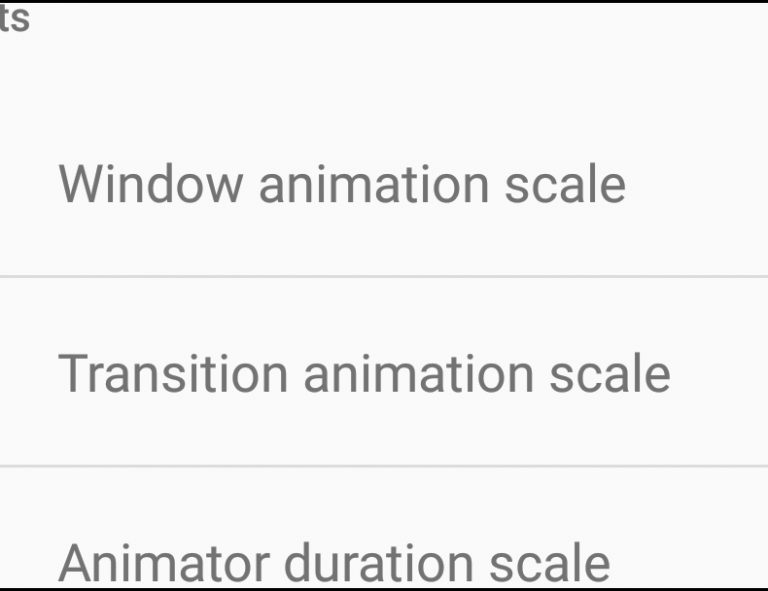
These optimizations not only help in reducing lag but also enhance battery life, which is a significant concern for gamers on budget Android devices. The guide image below illustrates how to access these settings in a typical mobile game.

Recommended Apps
In addition to in-game settings, several applications can help optimize your budget Android device for gaming. Here are some top recommendations:
- Game Booster Apps: Apps like Game Booster 4x Faster and Game Guardian can help allocate more resources to your games, shutting down background processes that may cause lag.
- Storage Cleaning Apps: Tools like CCleaner or Files by Google can help free up storage space, ensuring your device runs smoothly.
- Network Speed Testers: Apps like Speedtest by Ookla can help you monitor your internet speed, allowing you to diagnose whether lag is due to network issues.
Using these tools can create a more responsive gaming environment. Notice how these apps can streamline performance and reduce interruptions during gameplay as illustrated below.

Conclusion
Reducing game lag on budget Android phones in 2026 is not only possible but also essential for an enjoyable gaming experience. By understanding the causes of lag and implementing the tips discussed—such as optimizing game settings and using recommended apps—you can enhance your mobile gaming experience significantly. Remember, even budget devices can perform well with the right optimization strategies.
So, whether you’re engaging in fierce battles or exploring vast worlds, apply these tips and get ready for smoother gameplay. Happy gaming!