What is an XAPK file?
In the gaming community, especially among Android users, XAPK files have gained popularity due to their unique ability to bundle both APK and OBB files. An APK (Android Package Kit) file is the standard format used for distributing and installing applications on Android devices. However, many games, particularly those with rich graphics and extensive content, require additional data, typically stored in OBB files. This is where XAPK files come into play.
XAPK files are essentially a zip archive that not only includes the APK itself but also the accompanying OBB data. This makes it easier for gamers to install games without worrying about downloading multiple files separately, thus streamlining the installation process. For Malaysian gamers looking to enjoy popular titles that might not be available on the Google Play Store, understanding XAPK files is essential.

How to install XAPK files
Installing XAPK files on a Windows PC requires a few steps and the use of specific software. Many Malaysian gamers prefer using emulators to run Android applications on their PCs. Here's a step-by-step guide to help you get started:
Step 1: Download an Emulator
To run XAPK files on Windows, you need an Android emulator. Some popular options include:
- BlueStacks: Known for its user-friendly interface and performance.
- NoxPlayer: Offers great customization options for gamers.
- LDPlayer: Optimized for gaming, ensuring smooth gameplay.
For this guide, we will use BlueStacks as an example, but the process is quite similar across different emulators.
Step 2: Install the Emulator
Download the BlueStacks installer from the official website. Once downloaded, run the installer and follow the on-screen instructions to complete the setup. This might take a few minutes depending on your PC's specifications.
Step 3: Download the XAPK File
Next, you need to download the desired XAPK file. Ensure that you download from a reputable source to avoid any security risks. Once downloaded, you will typically find the file in your Downloads folder.
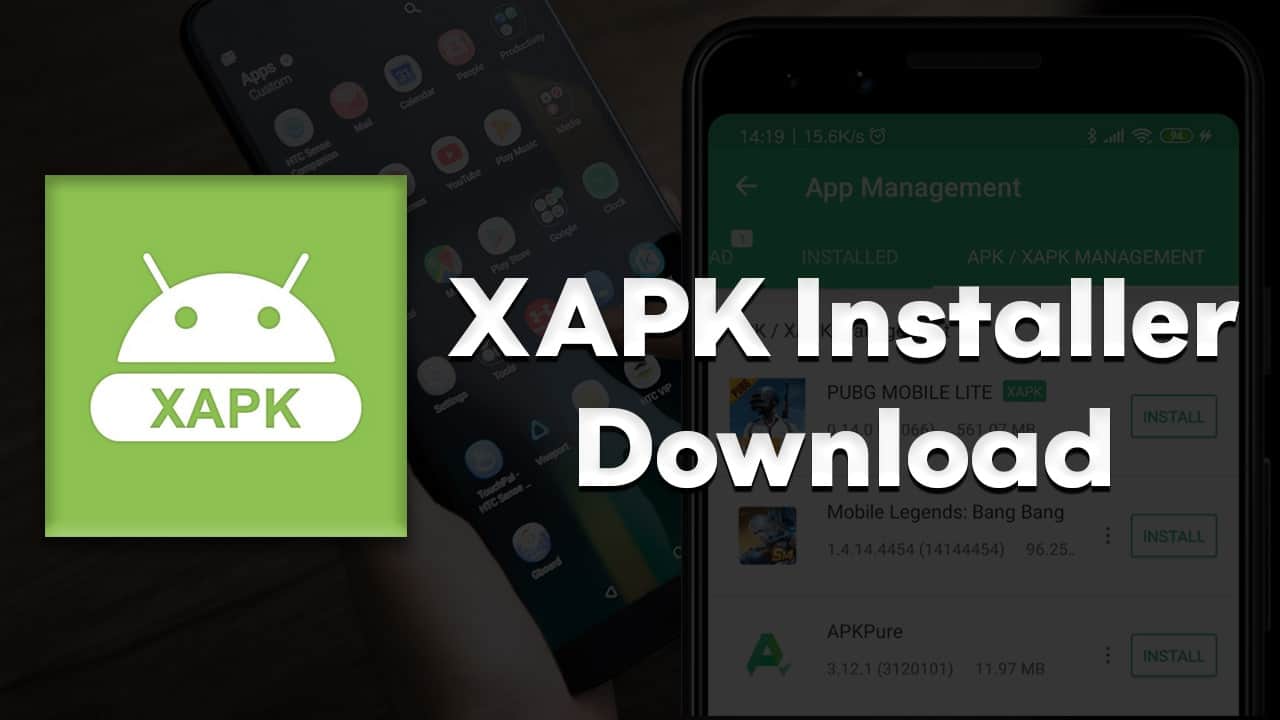
Step 4: Install the XAPK File
To install the XAPK file, you will need an additional tool called XAPK Installer, which can be found in the BlueStacks app store or downloaded from the internet. Here’s how to proceed:
- Open BlueStacks and navigate to the App Center.
- Search for XAPK Installer and install it.
- Once installed, open the XAPK Installer.
- Use the installer to locate the downloaded XAPK file.
- Follow the prompts to complete the installation process.
After the installation is complete, you should be able to find the game in your BlueStacks app library and start playing!
Common issues and troubleshooting
While installing XAPK files can be straightforward, users often encounter issues. Here are some common problems and their solutions:
Issue 1: Emulator Crashes or Freezes
This can happen if your PC does not meet the emulator's system requirements. Ensure you have enough RAM and a capable graphics card. If issues persist, consider switching to a lighter emulator like LDPlayer.
Issue 2: XAPK File Not Recognized
If the XAPK file is not recognized by the installer, verify that the file is not corrupted. Download it again from a trusted source and try the installation process once more.
Issue 3: Game Won't Launch
Sometimes, the game may not launch due to compatibility issues or missing files. Make sure your emulator is up to date and check if you need to download additional files. If the game still doesn't work, search for any patches or updates specific to the title.

Alternatives to XAPK
While XAPK files are highly convenient, there are alternatives for those who may prefer different installation methods. Here are some common alternatives:
APK Files
APK files are the standard method for installing Android applications. They are easier to handle as they do not require additional OBB files. However, many games might not function properly without the associated data, which is why XAPK files are often favored.
Direct Installations from App Stores
For gamers in Malaysia, downloading games directly from the Google Play Store or others like the Huawei AppGallery is the most straightforward method. However, this limits the availability of certain titles, especially those that aren’t officially released in the region.
Other Installation Methods
Some users opt for alternative app stores or platforms like Aptoide or APKPure, which offer a variety of games, including those not available in the official app stores. Just ensure to download from reputable sources to avoid malware.
Frequently Asked Questions (FAQ)
Can I install XAPK files without an emulator?
Generally, XAPK files require an emulator for installation on a Windows PC. However, on Android devices, you can use specialized installers that support XAPK format without needing an emulator.
What software do I need to install XAPK files?
You will need an Android emulator like BlueStacks, NoxPlayer, or LDPlayer, along with an XAPK installer tool, to successfully install XAPK files on your Windows PC.
In conclusion, installing XAPK files on your Windows PC opens up a world of gaming possibilities, especially for those who enjoy titles that are not readily available through mainstream channels. With the right tools and knowledge, you can easily navigate the install process and troubleshoot any issues that arise. Embrace the gaming experience and enjoy your favorite titles without limitations!