What is XAPK?
XAPK is an advanced file format that combines an APK (Android Package Kit) with additional files, mainly OBB (Opaque Binary Blob) files necessary for certain games or applications. This format is designed to streamline the installation of apps that require extra data files for optimal functioning. Unlike a standard APK, which only contains the main app package, an XAPK file can include multiple APKs and the accompanying OBB files, making it easier for users to install complex games without having to manage multiple downloads.
For gamers in Malaysia, understanding XAPK is crucial, especially when looking to enhance your Kindle Fire experience. With a variety of games available in this format, knowing how to handle XAPK files can significantly improve your gaming library.
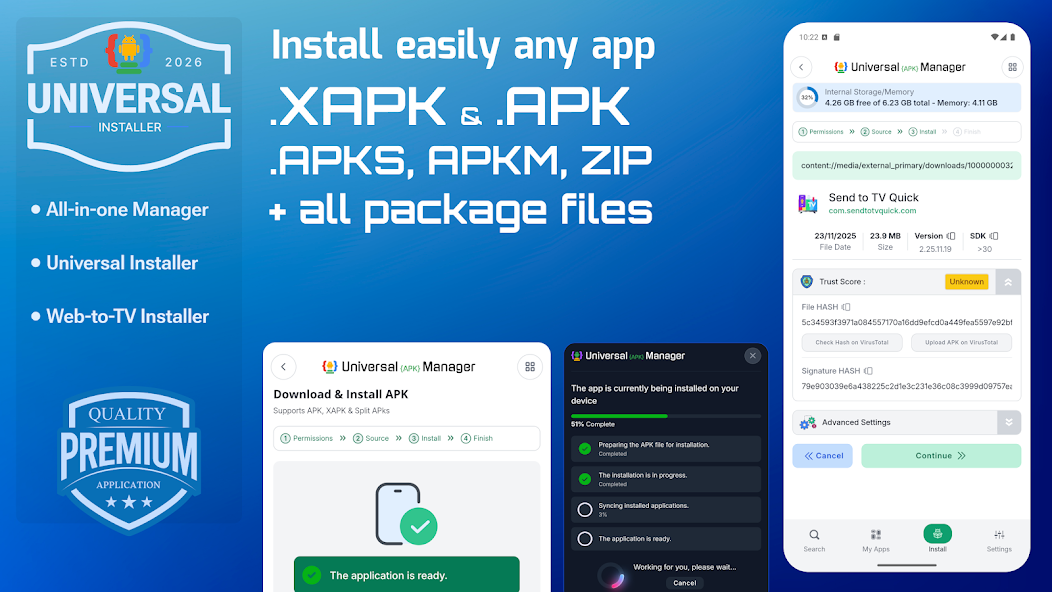
How to Install XAPK on Kindle Fire
Installing XAPK files on your Kindle Fire can seem daunting, but by following these straightforward steps, you can enjoy your favorite games in no time. Before you start, ensure your device is ready for sideloading.
Prerequisites for Sideloading on Kindle Fire
- Ensure your Kindle Fire is updated to the latest software version.
- Enable installation from unknown sources: Go to Settings > Security & Privacy > Apps from Unknown Sources and toggle it on.
- Have a file manager app installed, such as ES File Explorer or Solid Explorer, to manage your downloaded files.
- Download a reliable APK installer, like APKPure or XAPK Installer, from the official website.
Step-by-step Installation Guide
- Download the XAPK file. Use a trusted source to download the XAPK file for your desired game or app.
- Extract the XAPK file. Since XAPK files can’t be installed directly, you’ll need to extract the APK and OBB files. Use the file manager app for this step. Just navigate to the downloaded file, select it, and choose to extract.
- Install the APK file. Locate the extracted APK file and tap on it to start the installation. Follow the prompts to complete the installation.
- Move the OBB files. The OBB files need to be placed in the correct directory. Open the file manager, navigate to Android/obb, and create a new folder named after the app's package name (you can usually find this in the XAPK file's info). Paste the OBB files into this folder.
- Launch the game. After completing these steps, the game should appear in your app drawer. Tap to launch it and enjoy!
Common Issues and Solutions
During the installation process, you may encounter some common issues. Here are a few problems along with their solutions:
1. Installation Failed
If you receive an error message stating that installation has failed, check if the APK file is corrupted or if it’s compatible with your Kindle Fire version. Re-download the file from a reputable source and try again.
2. Game Not Launching
If the game does not launch after installation, ensure that the OBB files are correctly placed in the Android/obb directory. Double-check the folder name and file path.
3. App Crashes on Start
Crashing can happen if the app is not compatible with your device or if there are missing files. Make sure that you have the correct version of the game that matches your Kindle Fire specs, and verify that all required files were downloaded and installed properly.
4. Security Warnings
When installing from unknown sources, you might receive a security warning. This is normal when sideloading apps. Ensure that you trust the source of your download, and if you do, proceed with the installation.
Conclusion
Installing XAPK files on your Kindle Fire offers access to a broader range of games and applications that may not be available on the Amazon Appstore. By following the steps outlined above, Malaysian gamers can easily sideload their favorite titles and enhance their gaming experience. Remember, while sideloading can be exciting, it's crucial to practice safe installation techniques. Always use trusted sources for your downloads, and be aware of the risks associated with installing applications from unknown sources.
Enjoy your gaming adventures, and make the most of your Kindle Fire by mastering the art of XAPK installation!