How to Improve Your Gaming Connection in Malaysia: Tips for 2026
The gaming landscape in Malaysia is evolving rapidly, with an increasing number of players engaging in online multiplayer experiences. However, a common frustration among gamers is connectivity issues. In 2026, optimizing your gaming connection has never been more crucial. In this article, we'll explore how to improve your gaming connection in Malaysia, addressing latency, ISP selection, network optimization, and common troubleshooting techniques.
Understanding Latency
Latency, often referred to as ping, is the time it takes for data to travel from your device to the gaming server and back. In gaming, low latency is crucial as it directly impacts your ability to react quickly and play effectively. High latency can lead to noticeable delays, causing issues like lag, which can significantly hinder your gaming performance.
In Malaysia, common latency issues stem from several factors:
- Distance from servers: Many popular gaming servers are located outside of Malaysia, which can increase latency due to the physical distance.
- Network congestion: During peak hours, the internet can become congested, leading to increased latency.
- Connection type: Using DSL or mobile data can result in higher latency compared to fiber optic connections.
It's essential to monitor your latency to ensure a smooth gaming experience. Many games provide built-in tools to check your ping, or you can use online ping tests to evaluate your connection speed. Understanding your latency can help you identify if it's a major factor affecting your gaming performance.
Best ISPs for Gamers in Malaysia
Choosing the right Internet Service Provider (ISP) is a critical step in improving your gaming connection. In Malaysia, several ISPs offer tailored packages for gamers, focusing on speed, stability, and low latency. Here are some of the top options in 2026:
1. TM Unifi
TM Unifi is one of the leading ISPs in Malaysia, offering fiber optic connections that provide low latency and high speeds. Their gaming packages are designed for serious gamers, ensuring a stable connection even during peak periods.
2. Maxis
Maxis also provides excellent fiber optic options, with various plans that cater to gamers. Their connection is known for stability and low latency, making it a popular choice among the gaming community.
3. Celcom
Celcom has been expanding its fiber optic network, delivering competitive internet speeds. They offer specific plans aimed at gamers, ensuring a seamless online gaming experience.
4. Digi
Digi is known for its affordable home broadband plans. While their fiber options are not as widespread, they provide good value for gamers looking for budget-friendly solutions.
When selecting an ISP, consider factors such as customer service, reliability, and the availability of fiber optic connections in your area. Reading reviews and seeking recommendations from fellow gamers can also aid in making an informed decision.
Optimizing Your Home Network
Once you’ve selected the right ISP, optimizing your home network can further enhance your gaming experience. Here are actionable tips to improve your Wi-Fi and router settings:
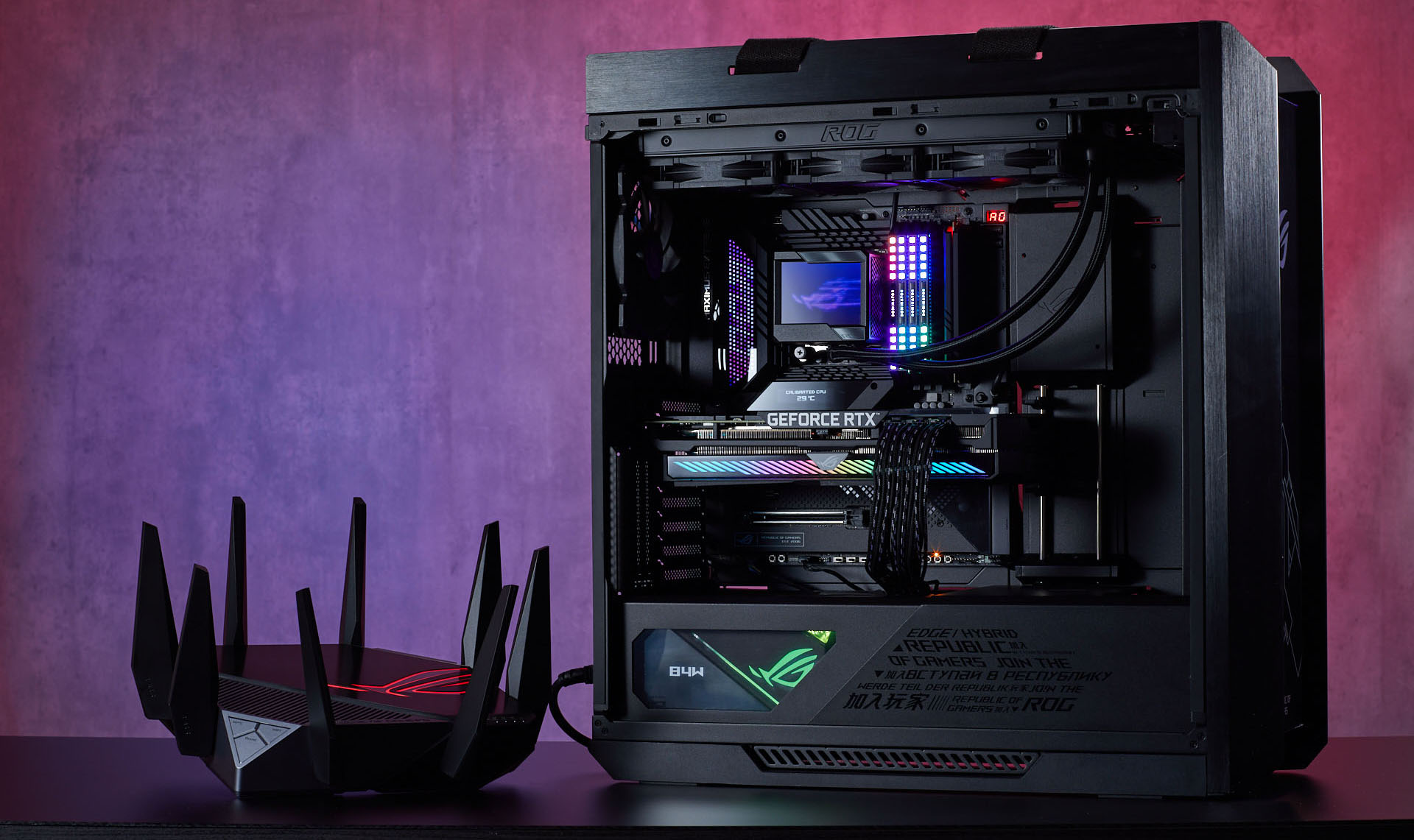
- Use a Wired Connection: Whenever possible, connect your gaming device directly to the router using an Ethernet cable. A wired connection is generally more stable than Wi-Fi, reducing latency and packet loss.
- Optimize Router Placement: Position your router in a central location within your home to ensure even coverage. Avoid placing it near walls or obstructions that can interfere with the signal.
- Update Router Firmware: Regularly check for firmware updates for your router. Manufacturers often release updates to improve performance and security.
- Adjust QoS Settings: If your router has Quality of Service (QoS) settings, prioritize gaming traffic over other types of data. This ensures that your gaming data receives the bandwidth it needs to function smoothly.
- Limit Connected Devices: Too many devices connected to your Wi-Fi can slow down your connection. Disconnect devices that are not in use during gaming sessions.
By following these tips, you can ensure that your gaming connection is as fast and reliable as possible, allowing you to enjoy your favorite games without interruptions.
Troubleshooting Connection Issues
Even with the best setup, connection issues can still arise. Here are some common problems and solutions to help you troubleshoot:
- Lag: If you experience lag during gameplay, first check your latency using an online tool. If it's high, consider switching to a wired connection or optimizing your router settings as mentioned above.
- Frequent Disconnections: Ensure your router’s firmware is up to date. If disconnections persist, try resetting your router or contacting your ISP for assistance.
- Poor Wi-Fi Signal: If your Wi-Fi signal is weak, consider using a Wi-Fi extender to boost coverage in hard-to-reach areas of your home.
- ISP Issues: If all else fails, contact your ISP. Sometimes the problem may be on their end, such as network outages or maintenance.
Frequently Asked Questions
What causes lag in online gaming?
Lag in online gaming can be caused by high latency, network congestion, and issues with your ISP. Environmental factors, such as distance from the server and the number of devices connected to your network, can also contribute to lag.
How can I test my gaming connection?
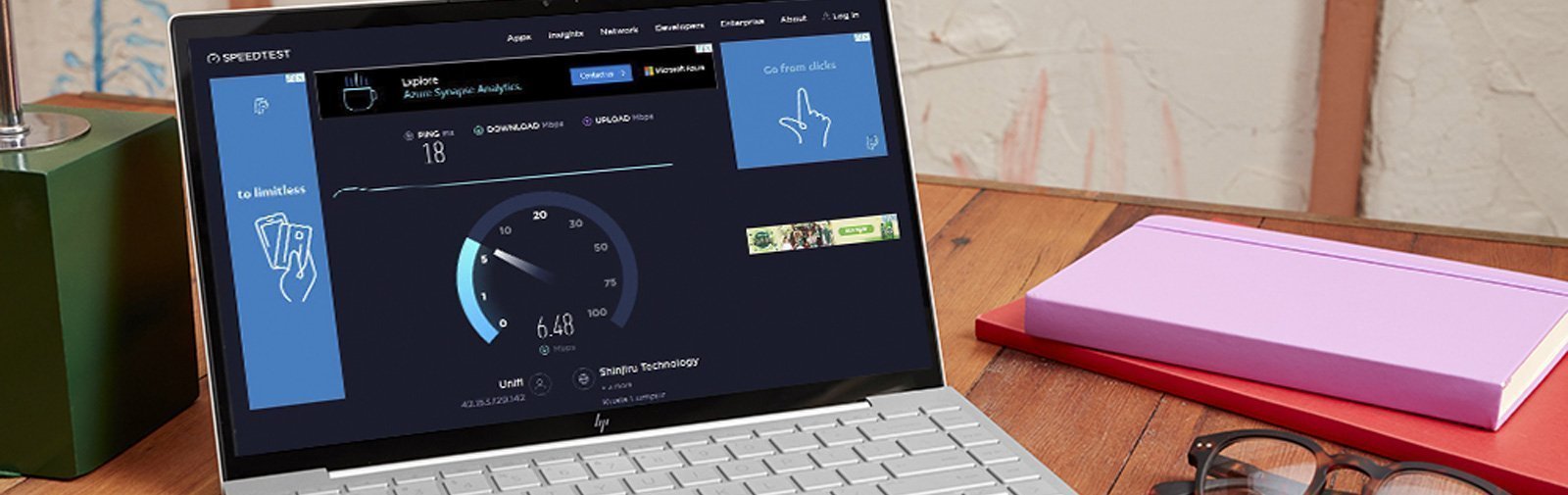
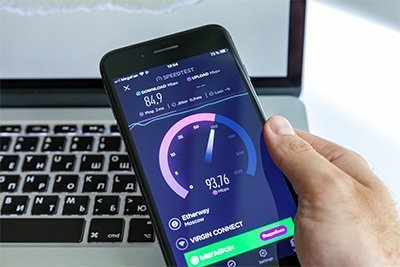
You can test your gaming connection by using online speed test tools like Ookla’s Speedtest or Fast.com. These tools can give you insights into your download and upload speeds as well as your ping.
In summary, improving your gaming connection in Malaysia in 2026 involves understanding latency, selecting the right ISP, optimizing your home network, and effectively troubleshooting any issues. By taking these steps, you can enhance your gaming experience and enjoy seamless gameplay.