Understanding Game Lag
Game lag is a frustrating experience for gamers, often manifesting as delays between a player's actions and the game's response. This can include stuttering graphics, delayed input response, or even complete freezes. In 2026, as gaming technology continues to advance, the expectation for seamless gameplay has never been higher. Factors contributing to game lag can vary widely, including poor internet connections, outdated hardware, and inefficient software.
In Malaysia, where online gaming is immensely popular, a stable connection is essential. Factors such as high latency due to distant servers or local network issues can significantly impact your gaming experience. Additionally, software inefficiencies—such as unoptimized game code or outdated drivers—can exacerbate lag, leading to a less enjoyable experience for players.
Ultimately, lag can ruin the immersion of gaming, resulting in missed opportunities in competitive play or frustrating gameplay moments. Therefore, understanding how to reduce game lag is crucial for any serious gamer.
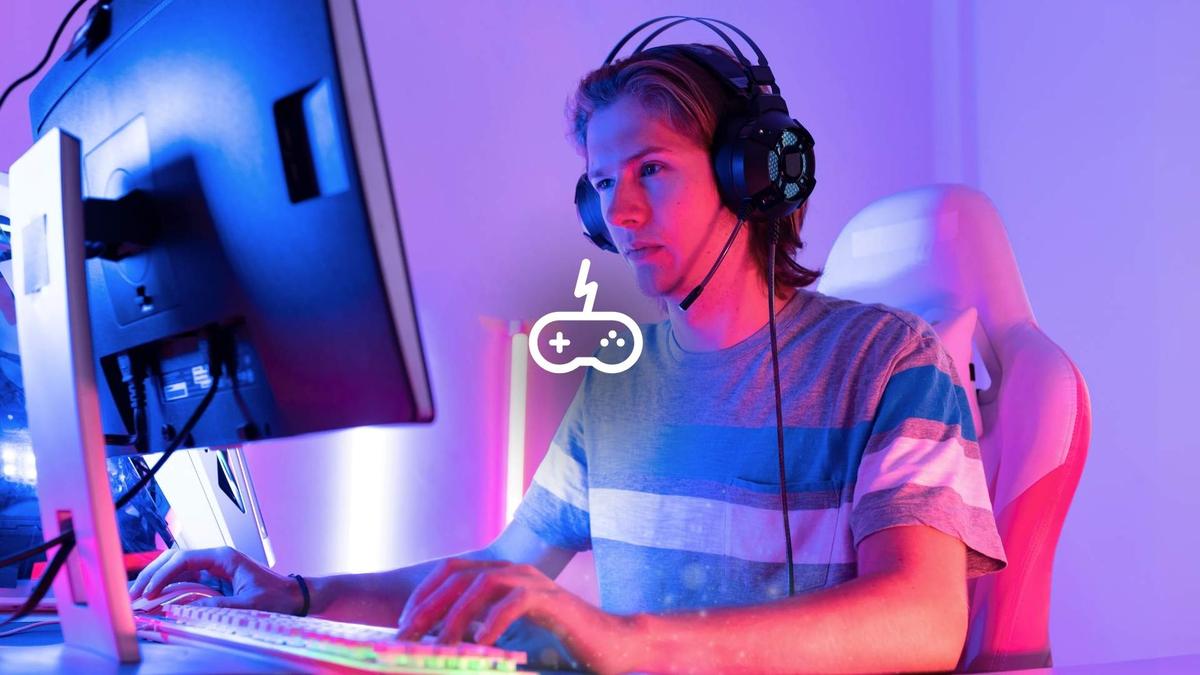
Importance of Software Updates
Software updates are more than just a way for developers to push new content; they play a critical role in improving game performance and reducing lag. Regular updates can optimize system performance by fixing bugs, enhancing graphics, and improving server connectivity. For instance, game developers often release patches that specifically address lag issues, ensuring a smoother experience for players.
Hardware giants like NVIDIA and AMD also frequently update their drivers to enhance compatibility with the latest games. By keeping your system's software up to date, you can ensure that you are getting the best performance possible from your hardware—whether you're using a high-end gaming rig or a console like the PlayStation 5 or Xbox Series X from Microsoft.
In Malaysia, where many gamers rely on both local and international servers, these updates can also help reduce latency issues. This is especially relevant in fast-paced online multiplayer games where every millisecond counts. So, don’t underestimate the power of a simple software update—it could be the difference between victory and defeat.
How to Update Games
Updating your games is vital for maintaining optimal performance. Here’s how you can do it across different platforms:
For PC (Steam)
- Open the Steam client.
- Navigate to your Library and find the game you want to update.
- If an update is available, click on the game and it will automatically begin downloading.
- Once the download is complete, launch the game to enjoy the updated experience.
For Consoles (PlayStation & Xbox)
For PlayStation:
- Navigate to the game on your home screen.
- Press the Options button and select “Check for Update.”
- If an update is available, it will automatically start downloading.
For Xbox:
- Highlight the game on your home screen.
- Press the Menu button and select “Manage Game & Add-ons.”
- Choose “Updates” and install any available updates.
For Mobile Games
- Open the Google Play Store or Apple App Store.
- Go to “Updates” or search for the game directly.
- If an update is available, tap “Update.”
Keeping your games updated not only reduces lag but can also enhance gameplay features and overall enjoyment.
Best Software Tools to Reduce Lag
In addition to regular updates, several software tools can help optimize your gaming performance and reduce lag. Here are a few popular ones:
- Razer Cortex: This tool helps optimize your system by managing background processes and freeing up system resources while gaming. It's a favorite among Malaysian gamers for its ease of use.
- NVIDIA GeForce Experience: For those with NVIDIA graphics cards, this software optimizes game settings based on your hardware. It also keeps your drivers up-to-date, which can significantly improve performance.
- Game Fire: This software boosts your gaming performance by disabling unnecessary background applications, enhancing CPU performance, and optimizing system settings.
- MSI Afterburner: A must-have for overclockers, this tool allows you to tweak your GPU settings for better performance and frame rates, reducing lag in graphically demanding games.
- CCleaner: While not a gaming-specific tool, maintaining a clean system can help reduce lag. CCleaner helps remove unnecessary files and optimize your system's performance.
Using these tools can provide a significant boost to your gaming experience, especially when combined with regular software updates.
Troubleshooting Tips for Persistent Lag
Sometimes, despite all your efforts, lag can persist. Here are some additional troubleshooting tips:
- Check Your Internet Connection: High ping and unstable connections can cause lag. Consider using a wired connection instead of Wi-Fi for more stability.
- Optimize Your Network Settings: Use Quality of Service (QoS) settings on your router to prioritize gaming traffic. This can help reduce lag during peak hours.
- Reduce Background Applications: Close any unnecessary applications before starting your game to free up system resources.
- Lower In-Game Settings: If you're still experiencing lag, consider lowering your graphics settings. This can help improve performance, especially on lower-end systems.
- Monitor System Temperatures: Overheating can cause throttling. Ensure your PC is well-ventilated and consider using cooling pads for laptops.
By following these tips, you can further enhance your gaming experience and combat lag effectively.
FAQs
What are the main causes of game lag?
The main causes of game lag include poor internet connectivity, outdated software or drivers, high system resource usage, and insufficient hardware capabilities. In Malaysia, local network issues can also contribute, especially when playing on international servers.
Do software updates really help with lag?
Absolutely! Software updates can significantly improve game performance by optimizing code, fixing bugs, and enhancing compatibility with the latest hardware. Regularly updating your drivers, especially from manufacturers like NVIDIA and AMD, can lead to noticeable improvements in gameplay.
In conclusion, reducing game lag in 2026 is more achievable than ever with the right knowledge and tools. Regular software updates, effective optimization tools, and troubleshooting practices can help ensure that your gaming experience is smooth and enjoyable. Whether you're battling it out in the latest online multiplayer or exploring expansive single-player worlds, implementing these strategies will help you stay ahead of the competition.